PDF has become the de facto standard for document sharing worldwide, but like any technology, it has both strengths and weaknesses. Understanding these will help you make informed decisions about when to use PDF versus alternative formats.
Advantages of PDF Format
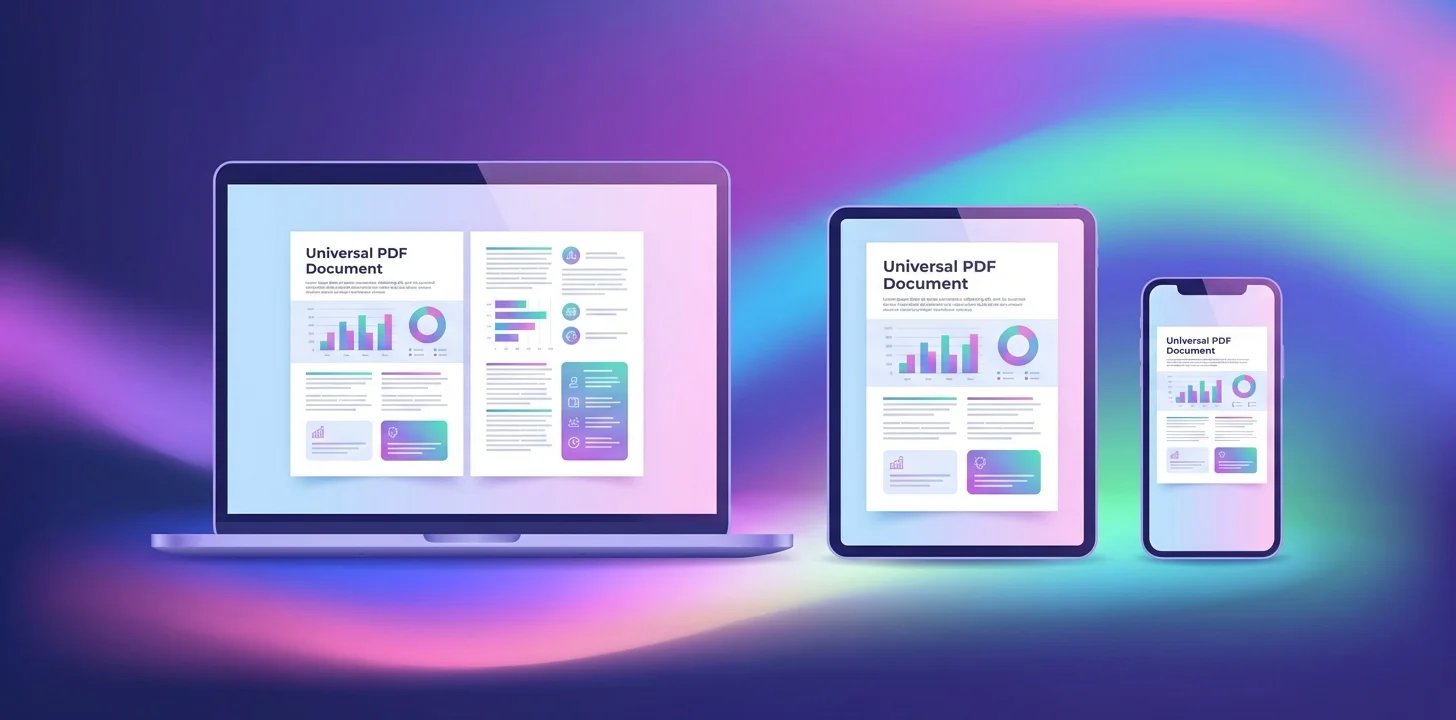
Universal Compatibility
PDFs can be opened and viewed on virtually any device, operating system, or platform without requiring the original software used to create them.
- • Works on Windows, macOS, Linux, iOS, Android
- • Opens in any modern web browser
- • Free readers available everywhere
- • No proprietary software lock-in
Consistent Formatting
PDFs preserve the exact layout, fonts, images, and formatting of the original document, ensuring what you see is what everyone else sees.
- • Fonts are embedded, no font substitution issues
- • Exact page layout preserved
- • Images remain in place
- • Ideal for professional documents and forms
Built-in Security
PDFs offer robust security features including password protection, encryption, and permission controls.
- • Password protection for opening documents
- • Restrict printing, copying, or editing
- • Digital signatures for authenticity
- • Redaction for sensitive information
Efficient Compression
PDFs use advanced compression algorithms to keep file sizes manageable while preserving quality.
- • Vector graphics remain small and scalable
- • Image compression reduces file size
- • Font subsetting includes only used characters
- • Easier to email and share online
Industry Standard
PDF is the accepted standard across industries for official documents, legal papers, and professional communication.
- • Required format for many government submissions
- • Standard for academic publishing
- • Preferred for contracts and legal documents
- • ISO standardized format
Advantages of PDF Format
- Interactive forms with fillable fields
- Support for hyperlinks and navigation
- Searchable text for easy information finding
- Metadata for better organization
- Accessibility features for screen readers
- Archival standards (PDF/A) for long-term preservation
Disadvantages and Limitations
Challenging to Edit
PDFs were designed to be final documents, making them more difficult to edit than native formats like Word or Excel.
- • Requires specialized software for complex edits
- • Text reflow can be problematic
- • Not ideal for collaborative editing
- • Original formatting may be lost when converting back
Poor for Responsive Web Design
Fixed page layouts don't adapt well to different screen sizes, making them less suitable for mobile reading.
- • Requires zooming and panning on small screens
- • Not mobile-friendly by default
- • Slower loading compared to HTML
- • Limited SEO value for web content
Accessibility Issues
Many PDFs lack proper accessibility tags, making them difficult to use with screen readers and assistive technologies.
- • Requires manual tagging for accessibility
- • Scanned PDFs are not searchable or accessible
- • Reading order can be incorrect
- • Alternative text often missing from images
Creation Software Costs
While viewing PDFs is free, creating and editing them professionally often requires paid software.
- • Polular editing products are expensive
- • Free alternatives may lack features
- • Learning curve for advanced features
- • Version compatibility issues can arise
Disadvantages and Limitations
- Version control can be difficult to manage
- Can contain malicious code or links
- Large files with many images can be slow
- Not ideal for data analysis or calculations
- Printing can sometimes have issues
- Copy-paste may lose formatting
PDF vs. Other Formats
PDF vs. Microsoft Word (.docx)
PDF:
- • Sharing final versions of documents
- • Preserving exact formatting is critical
- • Recipients may not have Word
- • Document needs to be printed
Word:
- • Document needs frequent editing
- • Collaboration and comments are needed
- • Track changes functionality required
- • Working on drafts and revisions
PDF vs. Microsoft Excel (.xlsx)
PDF:
- • Sharing reports or summaries
- • Preventing data modification
- • Creating printable tables
- • Combining data with narrative
Excel:
- • Data needs to be analyzed or calculated
- • Sorting and filtering required
- • Creating charts and graphs dynamically
- • Working with formulas and functions
PDF vs. Images (JPG, PNG)
PDF:
- • Document has multiple pages
- • Text needs to be searchable
- • Combining text and images
- • Professional document presentation
Изображения:
- • Sharing single photos or graphics
- • Social media or web display
- • Simple visual content only
- • Quick preview thumbnails needed
PDF vs. HTML (Web Pages)
PDF:
- • Document needs to be downloaded
- • Offline access is important
- • Print-ready formatting required
- • Archival or legal documents
HTML:
- • Content needs to be searchable by Google
- • Responsive design for mobile is critical
- • Dynamic or interactive content
- • Fast loading and accessibility priority
Making the Right Choice
PDF is not universally superior or inferior to other formats - it's a tool designed for specific purposes. Its strength lies in preserving document fidelity and ensuring consistent presentation across platforms. However, it's not the best choice for collaborative editing, responsive web content, or data manipulation.
The key is understanding your use case: Are you finalizing a document for distribution? Choose PDF. Are you collaborating on a draft? Consider Word or Google Docs. Are you analyzing data? Excel is better. Choose the format that best serves your specific needs.
Work with PDFs More Effectively
Our browser-based PDF editor helps you leverage PDF's advantages while minimizing its limitations.
Try Our PDF Editor