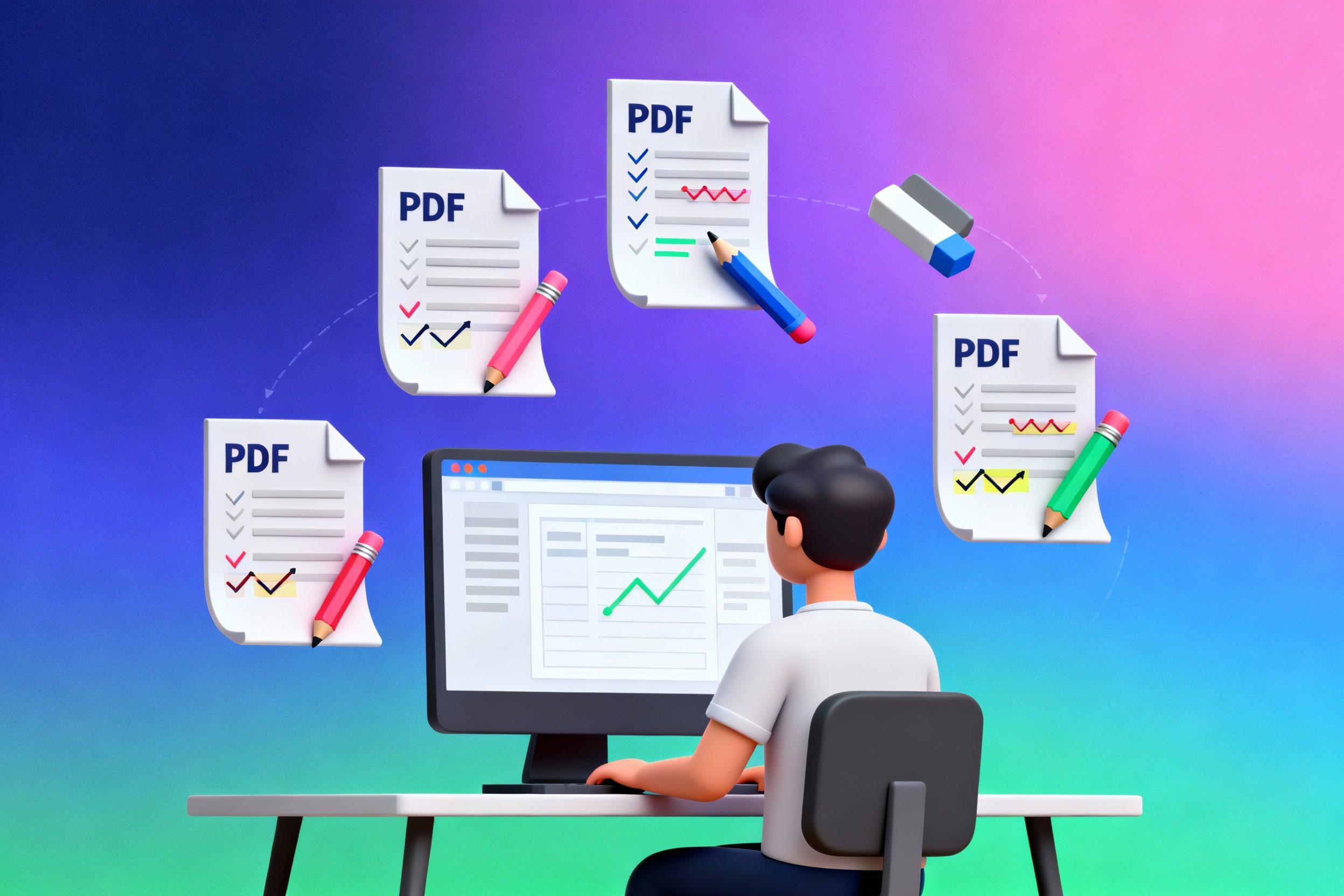
While PDF was originally designed to be a "final" document format, the reality of modern work requires flexibility. Documents need updates, corrections, reorganization, and customization. PDF editing has become an essential skill and tool for professionals, students, and businesses worldwide.
Common Use Cases for PDF Editing
Business Documents
- Updating contracts and agreements with revised terms
- Merging multiple invoices or reports into a single document
- Removing confidential pages before sharing with external parties
- Adding company branding or watermarks to documents
- Creating professional proposals by combining different sections
Academic and Research
- Annotating research papers with notes and highlights
- Combining chapters or sections for thesis submission
- Extracting specific pages from large textbooks or study materials
- Filling out and modifying application forms
- Creating study guides by reorganizing content
Personal Use
- Creating photo albums from images (converting JPG/HEIC to PDF)
- Organizing receipts and financial documents
- Compressing large PDF files for email or storage
- Updating resumes and CVs with new information
- Converting iPhone HEIC photos to universal JPG format
Benefits of Browser-Based PDF Editing
No Installation Required
Work instantly without downloading or installing heavy software. Access your PDF editor from any device with a web browser.
Maximum Privacy
All processing happens locally in your browser. Your files never leave your device, ensuring complete confidentiality.
Cross-Platform
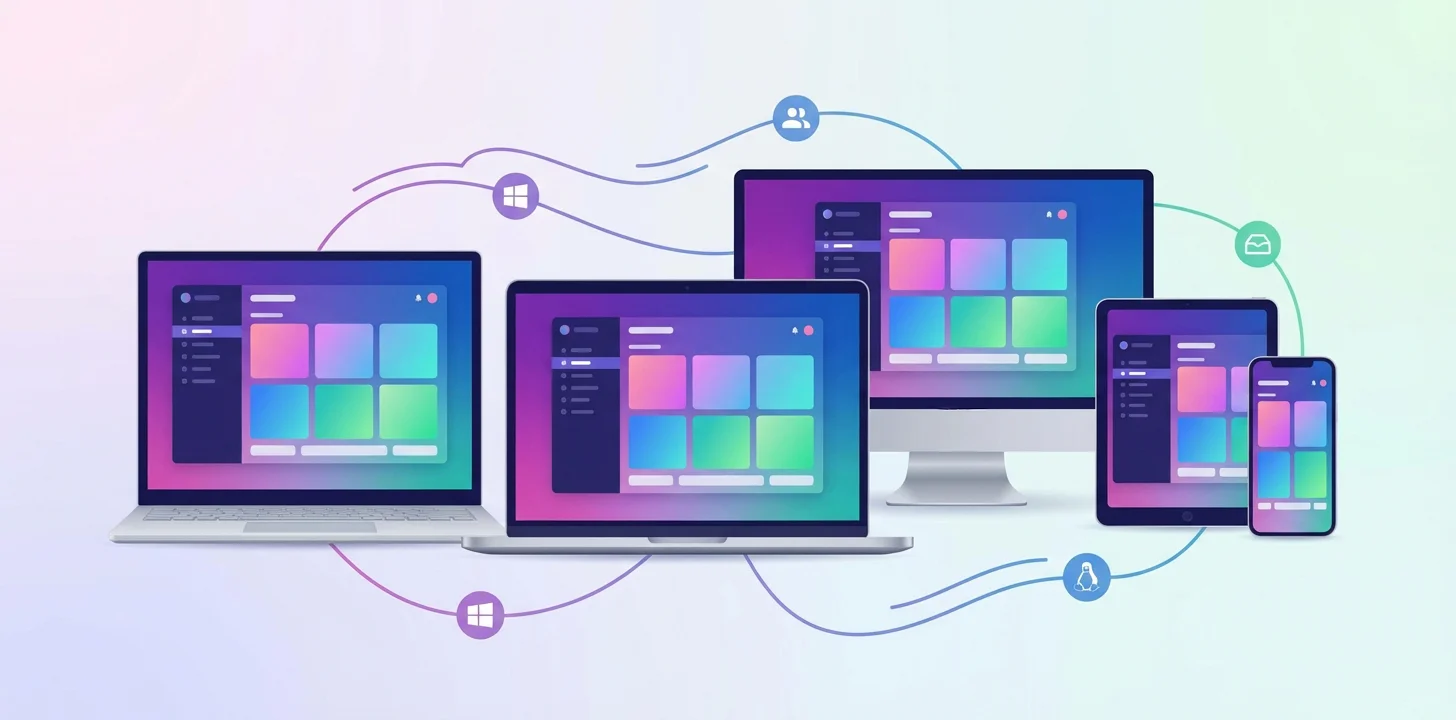
Works seamlessly on Windows, Mac, Linux, tablets, and smartphones. Same experience everywhere.
Always Up-to-Date
Automatic updates ensure you always have the latest features without manual downloads or updates.
Security Advantages of Local Processing
Traditional online PDF editors require you to upload your documents to their servers, which poses several risks. Our browser-based approach eliminates these concerns entirely:
Zero Data Breaches
Your files never reach any server, so there's no risk of server breaches or unauthorized access.
Complete Control
You maintain full control over your documents at all times. Delete them whenever you want with no traces left behind.
Compliance Ready
Perfect for handling sensitive documents subject to GDPR, HIPAA, or other privacy regulations since data never leaves your device.
Works Offline
Once the page loads, you can disconnect from the internet and still edit documents. Truly air-gapped editing.
No Account Required
No registration, no email, no personal information collected. Use it anonymously whenever you need.
When Do You Need to Edit PDFs?
Before Important Meetings
Quickly merge related documents, remove unnecessary pages, or highlight key information before presenting to clients or stakeholders.
During Document Review
Add annotations, comments, and highlights to collaborate with team members or provide feedback on drafts.
When Sharing Sensitive Information
Remove confidential sections, redact personal information, or compress files to meet email size limits.
For Archival and Organization
Combine scattered documents into organized collections, optimize file sizes for long-term storage, and maintain document libraries.
Real-World Scenarios

Scenario 1: Applying for Government Services or Bank Loans
When submitting documents to government agencies or applying for a bank loan, you often need to combine multiple scans into a single PDF file. Merge your passport scan, income statements, and other personal documents into one organized file. With local browser-based processing, your sensitive personal data never leaves your device - critical when handling identity documents and financial information.
Scenario 2: Creating PDF Scans Without a Scanner
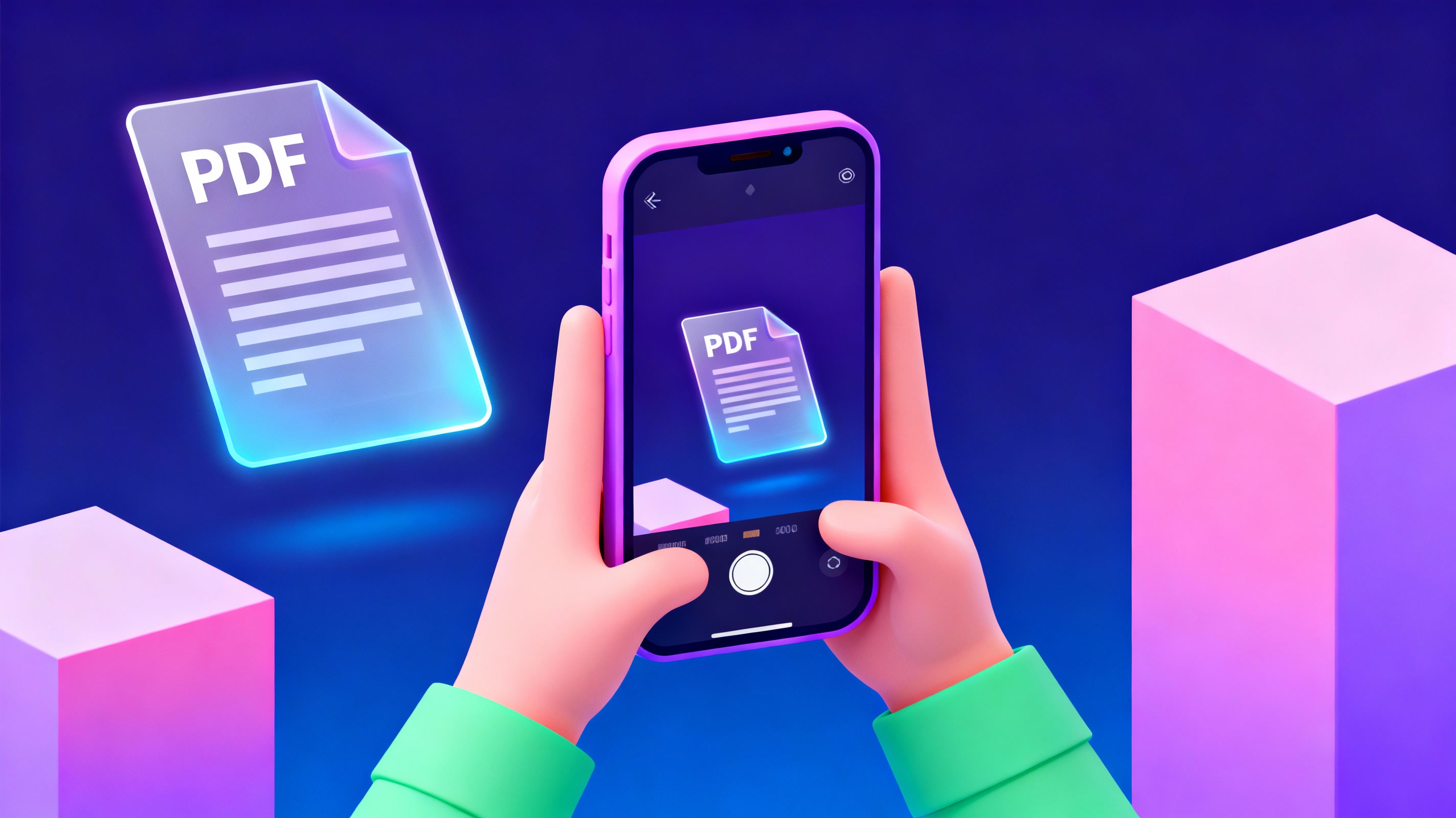
You need to submit scanned documents as a PDF but don't have a scanner nearby. Simply take photos of your documents with your phone camera, upload the JPG or HEIC images to the PDF editor, and combine them into a professional PDF file. Perfect for urgent document submissions when you're away from office equipment.

Scenario 3: The Graduate Student
James is preparing his thesis submission. He needs to combine multiple chapters, add page numbers, extract figures from research papers for his appendix, and ensure all formatting is consistent. Using a PDF editor, he organizes everything without worrying about document corruption or compatibility issues.
Scenario 4: The Business Owner
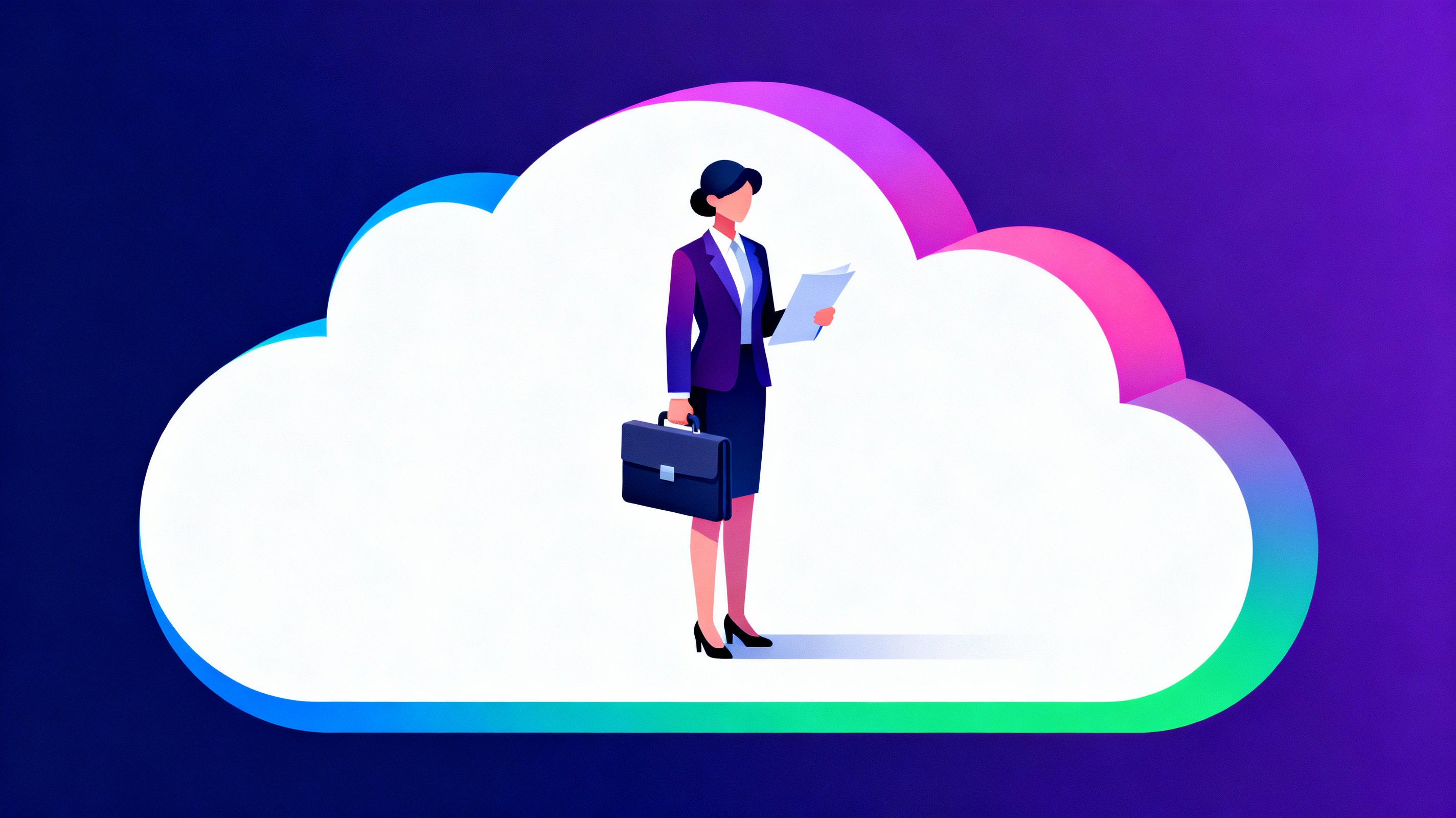
Maria runs a small consulting firm and needs to create professional proposals. She combines template pages, client-specific information, and case studies into polished PDF documents. The local processing ensures client confidentiality is never compromised, which is critical for her business reputation.
The Bottom Line
PDF editing is no longer a luxury - it's a necessity in our digital-first world. Whether you're a professional managing business documents, a student organizing research materials, or someone handling personal paperwork, having quick and secure access to PDF editing tools is essential.
The key is choosing a solution that respects your privacy, works on your terms, and doesn't compromise on features or security.
Ready to Edit PDFs Securely?
Try our free, browser-based PDF editor with complete privacy and no installation required.
Start Editing Now